
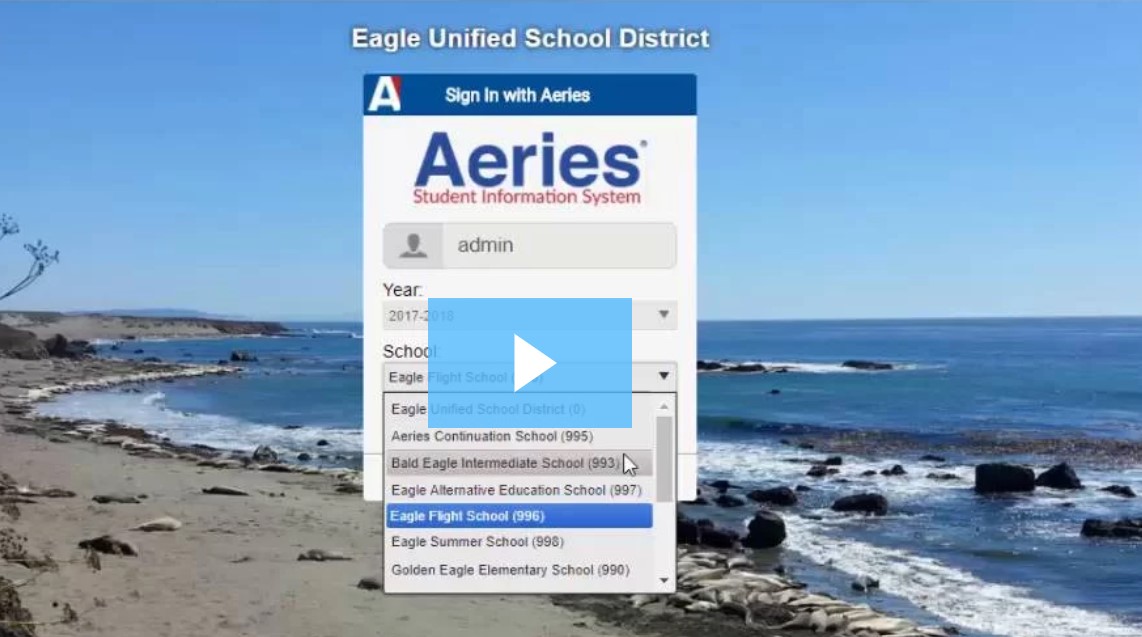
How Teachers Log In to Aeries
Follow the steps below to log in to Aeries for teachers.
Login Steps
Open a web browser (Chrome is recommended).
Go to the Aeries Teacher Portal login page:
? https://sanbenitocoe.aeries.net/teacher/Login.aspx?page=100000Enter your Aeries username.
Enter your password.
Click Login.
You should now be signed in to the Aeries Teacher Portal.
If You Can’t Log In
Double-check that your username and password are typed correctly.
Make sure Caps Lock is turned off.
Try refreshing the page or using a different browser.
If you recently changed your password, wait a few minutes and try again.
Need Help?
If login still doesn’t work, contact IT Support through the Helpdesk for assistance.