
If you suspect your machine may have been infected with a virus or malware you should ensure your Symantec virus definitions are up to date and run a full scan of your system.
- To update find the yellow shield icon in your system tray, right click on it and select Update Policy
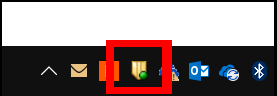
- To run a full virus scan right click on the shield icon and select Open Symantec Endpoint Protection
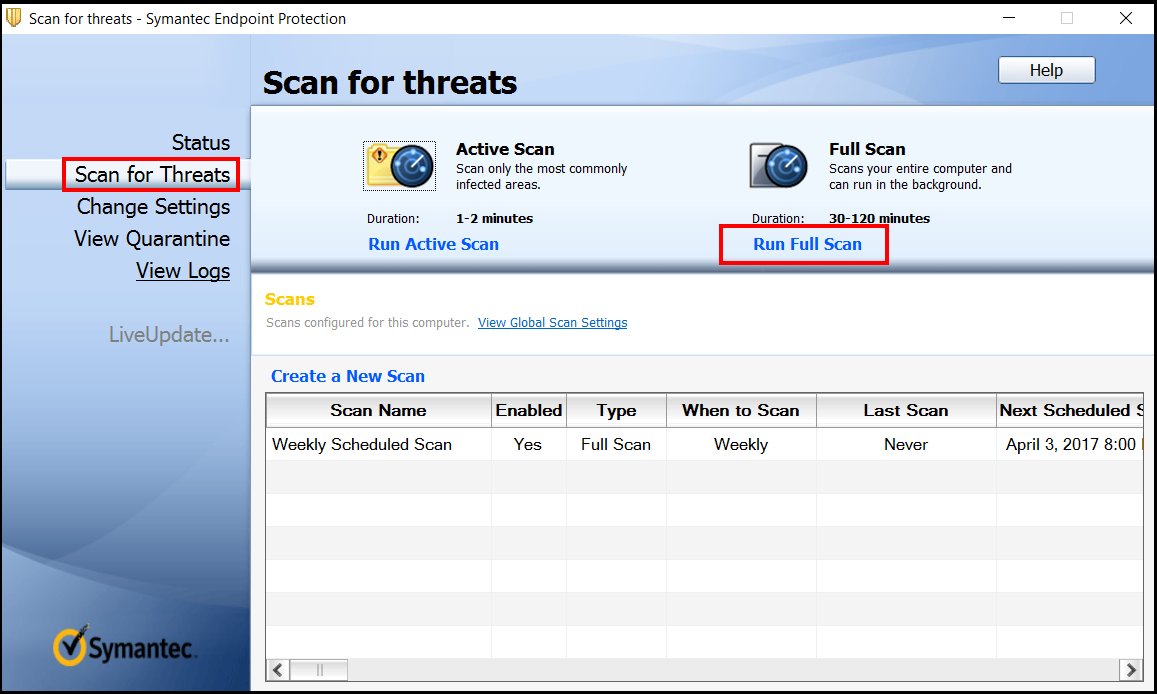
- Next click Scan for threats and select Full Scan.
- When the scan has completed please obtain a screenshot of the results (Go to Start > Run > snippingtool ) and submit them in a support request so that we may follow up and ensure the machine is fully cleaned.