
Note: This document describes how to access your SBCOE OneDrive files from any internet connected PC. For help setting up OneDrive for Business to automatically sync your SBCOE PC's files please open a support request.
- From your web browser navigate to https://portal.office365.com and login with your email address and password.
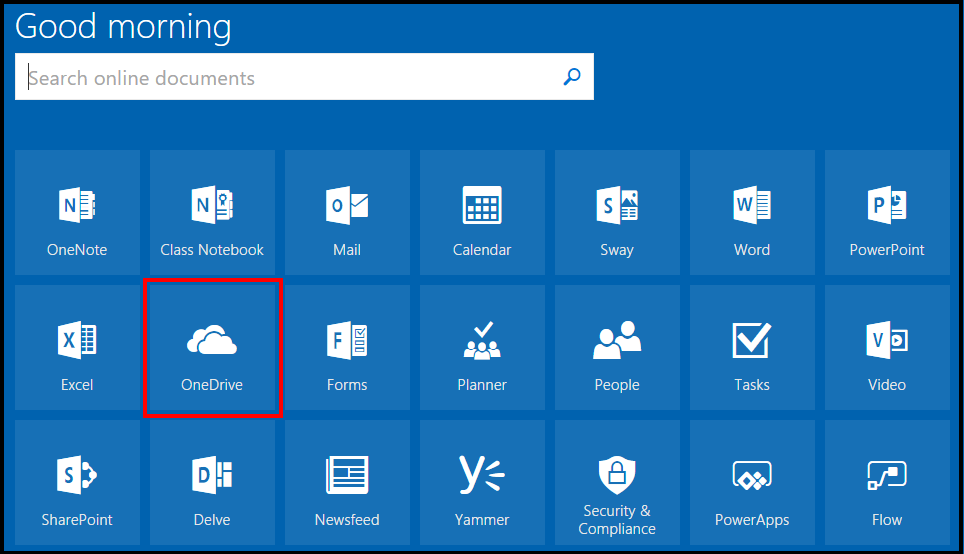
- Within the Office 365 portal click on the OneDrive icon.
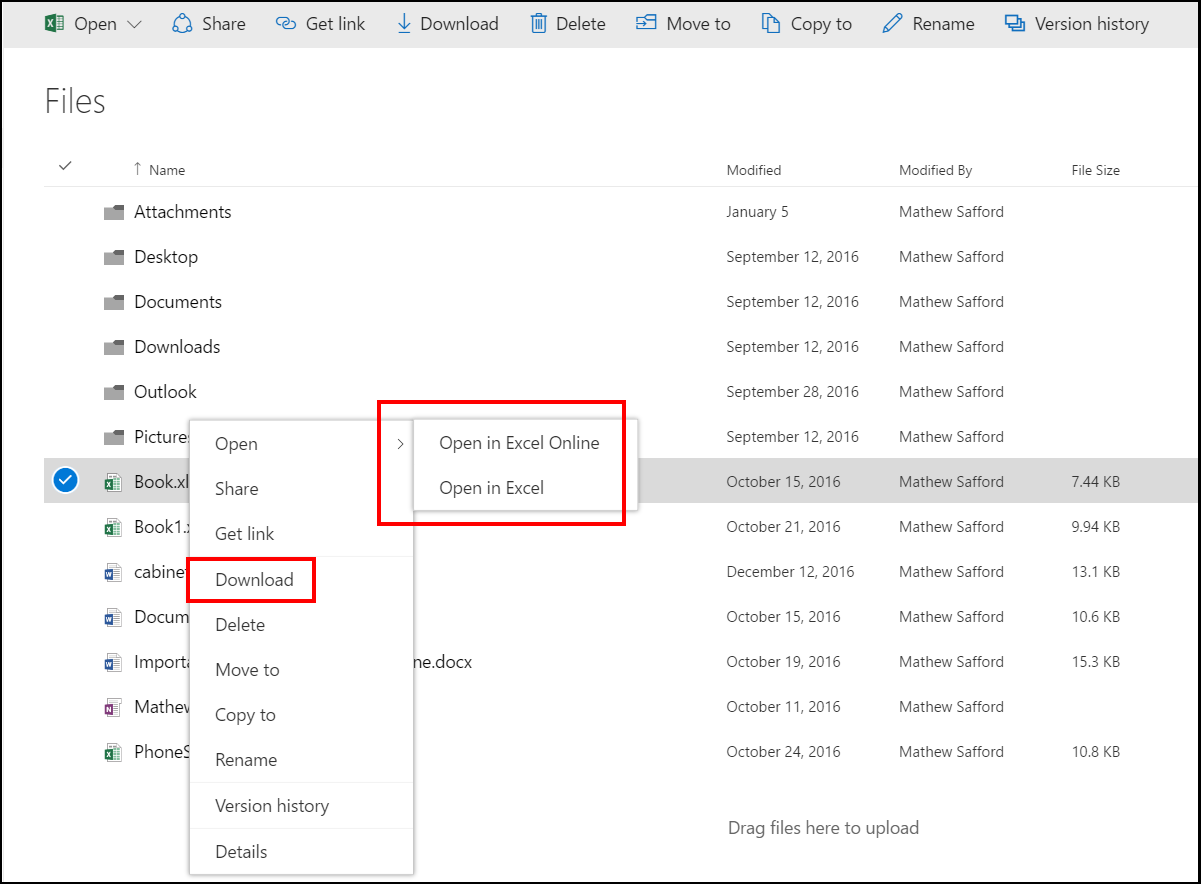
- Now you will see the files you have already synced to OneDrive. If the document is an Office document you should be able to edit it within a browser or have the document launch within the office application. You can also download the file to your desktop.
For more information on OneDrive for business refer to the document here: https://support.office.com/en-us/article/What-is-OneDrive-for-Business-187f90af-056f-47c0-9656-cc0ddca7fdc2